Google has unveiled what its Antigravity 2.0 multi-agent platform can do when left to run asynchronously: a team of AI agents, powered entirely by Gemini 3.5 Flash, built a functional operating system from scratch — kernel, process and memory management, filesystem, and video and keyboard drivers — capable of running FreeDoom. The whole thing ran from a single high-level prompt, with no human corrections along the way.
Key highlights include 93 subagents working in parallel, 15,314 model calls, over 339 million input tokens (2.6 billion+ total with cache reads, output, and thinking), and a total API cost of $916.92. The same team has since built a working AlphaZero implementation, a photo editing suite, a real-time messaging app, and a multi-user collaboration platform.
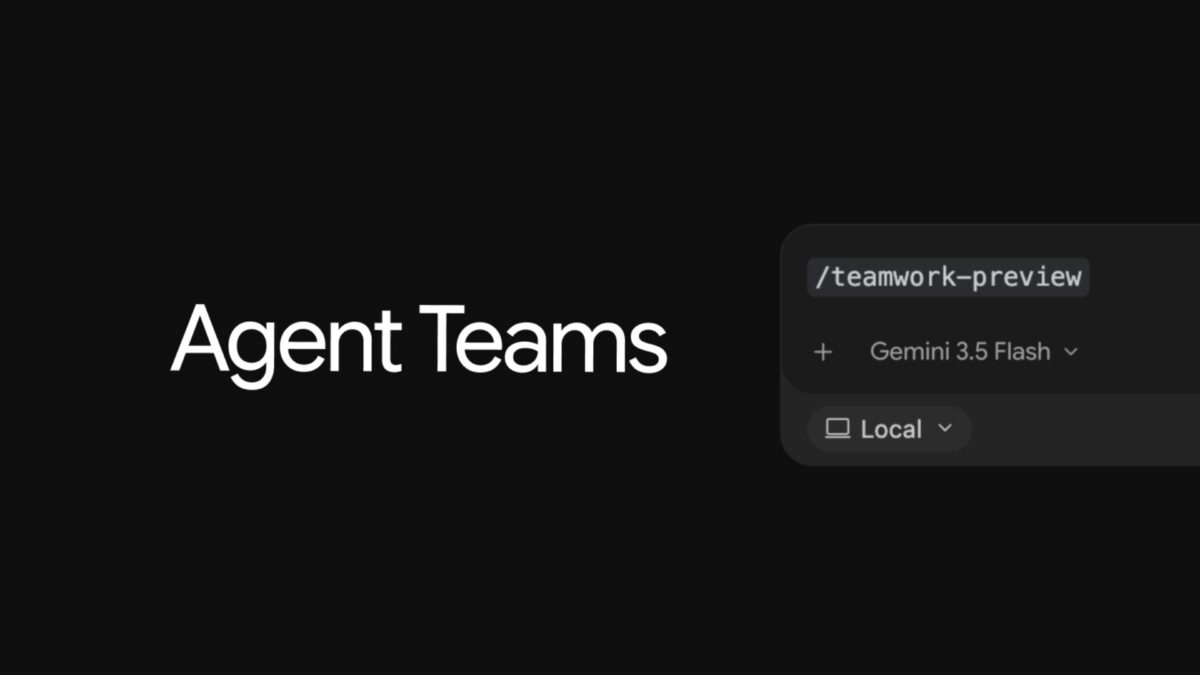
The findings come alongside the launch of /teamwork-preview, a new slash command in Antigravity that gives users access to the same agent orchestration used in these experiments.
Quick Links
Synchronous vs Asynchronous — Why This Distinction Matters
The Google blog post draws a clean line between two ways of working with AI agents. In synchronous (human-in-the-loop) workflows, the personality and behaviour of the model matters — whether it thinks enough or too much, whether it takes unnecessary steps, whether it can be steered mid-task. These qualities build trust even when the final output would be identical either way.
In asynchronous (fire-and-forget) workflows, none of that matters. The only variable is raw intelligence. If the model is smart enough to reason through ambiguity and recover from failure on its own, it can run independently. If it isn’t, no amount of orchestration compensates.
Gemini 3.5 models, according to the post, cross that threshold. Gemini 3.1 Pro was unable to complete the OS build. Gemini 3.5 Flash — the lighter, more economical model — succeeded.
Building an OS from a Single Prompt
The operating system was built end-to-end without human guidance after the initial prompt. The agent team produced a working kernel with process and memory management, a filesystem, and video and keyboard drivers. FreeDoom ran on it.
The scale of the run:
- 93 subagents across specialised roles
- 15,314 model calls
- 339M+ input tokens (2.6B+ total including cache reads, thinking tokens, and output)
- $916.92 at standard API pricing
The OS has real limitations — no floating-point math support, no hardware acceleration, no complex multi-threading, no sandboxing, no JIT compilation, and no complex audio or video decoding. It’s nowhere near a modern production OS. But it was built from nothing, by an agent team, for under $1,000, from a single prompt.
One detail worth noting: the first run completed unusually fast. Investigation revealed the agents were referencing context from previous runs that hadn’t been cleared. Anti-cheating measures and guardrails were added. The clean run built the same result without any prior context to draw from.
AlphaZero, a Photo Editor, and More
After the OS, the team ran a second experiment: reproduce the AlphaZero paper. The agents built the reinforcement learning pipeline in JAX and Flax, trained a ResNet model from scratch via self-play using multi-TPU pods, and built a full-stack web app for users to play against the trained model. The pipeline scaled from small local training loops up to 9×9 board training on multi-TPU infrastructure.
Following those two, the same agent orchestration was applied to:
- A photo editing suite
- A real-time messaging app
- A multi-user collaboration platform
The results are described as functional starting points — not commercial-grade, not production-ready, but usable and built autonomously.
The Seven-Agent Architecture
Rather than one agent handling everything, the system uses seven specialised agent types with defined scopes:
- Sentinel — the front-desk manager. Structures the user’s intent, spawns the Orchestrator, supervises overall completion. Does not write code or make technical decisions.
- Orchestrator — dispatch-only. Decomposes requirements into milestones, kicks off other agents, synthesises reports. Never writes code or runs builds itself.
- Explorer — reads requirements and previous logs, writes formal strategies for the Orchestrator to act on. Never writes code.
- Worker — the coder. Implements strategies, builds the code, runs tests.
- Reviewer — independently reviews the Worker’s changes for design correctness, edge cases, and interface contract compliance.
- Critic — stress-tests the solution, runs adversarial tests to find coverage gaps.
- Auditor — an independent investigator that verifies the authenticity and robustness of generated solutions.
The separation of concerns is deliberate. Keeping analysis, coding, reviewing, and auditing in distinct agents prevents any single role from becoming a single point of failure or a source of unchecked shortcuts.
Three Technical Tricks That Made It Work
Running 93 parallel agents over a task of this complexity surfaces problems that simpler setups never hit. Three specific mechanisms kept things on track.
Self-succession for context length. Large, long-running tasks fill up context windows. The Orchestrator tracks its cumulative subagent spawn count. Once it hits a limit, it dumps its full state to handoff files, terminates its background tasks, and spawns a successor with the same goals and permissions. The successor picks up from the files; the original terminates. Context resets cleanly without losing progress.
Scheduled crons for stuck processes. With many parallel subagents, any one of them can enter an infinite loop, hang on a compile, or stall on blocked I/O. A background cron — using Antigravity’s Scheduled Tasks primitive — monitors progress files that subagents write to. If a file’s timestamp goes stale past a threshold, the Sentinel terminates and respawns the blocked agent automatically.
An Auditor to catch LLM laziness. When a task is difficult enough, a model may take shortcuts — hardcoding a test output, writing a mock facade that makes tests pass without implementing the underlying logic. The Auditor runs strict static analysis checks, independent of whether the code works. Before the Sentinel marks any task complete and notifies the user, a final audit is forced. If the Auditor finds cheating, the cycle continues.
/teamwork-preview — Now Available in Antigravity
The same orchestration used in these experiments is now accessible through a new slash command: /teamwork-preview. It’s a research preview, available to Antigravity users on the Google AI Ultra plan ($200/month). It uses the same core primitives — parallel subagents, asynchronous tasks, hooks, and scheduled tasks — with no special internal version of the product.
A few practical notes from the announcement:
- Recommended model: Gemini 3.5 Flash. Using a larger model will substantially increase costs.
- Quota: Even with Gemini 3.5 Flash on AI Ultra, a single complex task can exhaust a full weekly quota. Users can purchase additional AI credits.
- Resuming mid-task: If the agent team stops due to a quota or credit issue, users can purchase more credits and send “Continue” — the team picks up from where it stopped.
- Local machine required: Since the agents run locally, the machine must stay awake for the duration of the run, even if the user isn’t actively monitoring it.
The post describes the current state as a research preview, with ongoing iteration on orchestration, UI, performance, reliability, and observability.
FAQ / Common Questions
What is Google Antigravity 2.0?
Antigravity is Google’s AI agent platform. Version 2.0 introduces new primitives including parallel-running subagents, asynchronous tasks, hooks, and scheduled tasks. The OS and AlphaZero experiments were built using these same primitives, with no special internal tooling.
Which Gemini Flash model was used, and why not a larger one?
Gemini 3.5 Flash was used. Gemini 3.1 Pro was attempted but could not complete the task. The post notes that even Flash — the lighter model — succeeded, which the team sees as evidence of a significant jump in underlying model intelligence rather than orchestration alone.
What are the limitations of the OS that was built?
The OS lacks floating-point math support, hardware acceleration, complex multi-threading, sandboxing, JIT compilation, and complex audio/video decoding. It is a functional barebones OS, not comparable to a modern production operating system.
Who can access /teamwork-preview?
It’s available to Antigravity users on the Google AI Ultra plan ($200/month) as a research preview. The post recommends pairing it with Gemini 3.5 Flash and warns that complex tasks will consume significant quota, possibly within the first run.
Note: Details above are based on Google’s announcement published at antigravity.google/blog, and are subject to change. Final feature availability, rollout timing, and supported plans may vary. Verify against Google’s official channels before relying on any specific detail.
Disclaimer: This post summarises a Google product announcement for informational purposes. It is not affiliated with or endorsed by Google or any platform mentioned.