Google has launched the Snapseed 4.0 Mobile Photo Editor, a major feature update and redesign, in India and globally. Like previous versions of Snapseed, the app is Free to Install. At the time of writing, Google Play Store and Apple App Store have listed this version – and is expected to arrive on various smartphones as a staged rollout.
This milestone update refreshes the Snapseed experience with a focus on intuitive workflows and cinematic effects. Version 4.0 introduces a redesigned interface for Android and iOS that aligns with modern RAW-based editing. Snapseed product lead Giles Ochs confirmed the rollout this week, which includes two specialized tools designed to simulate classic film stocks and cinematography.
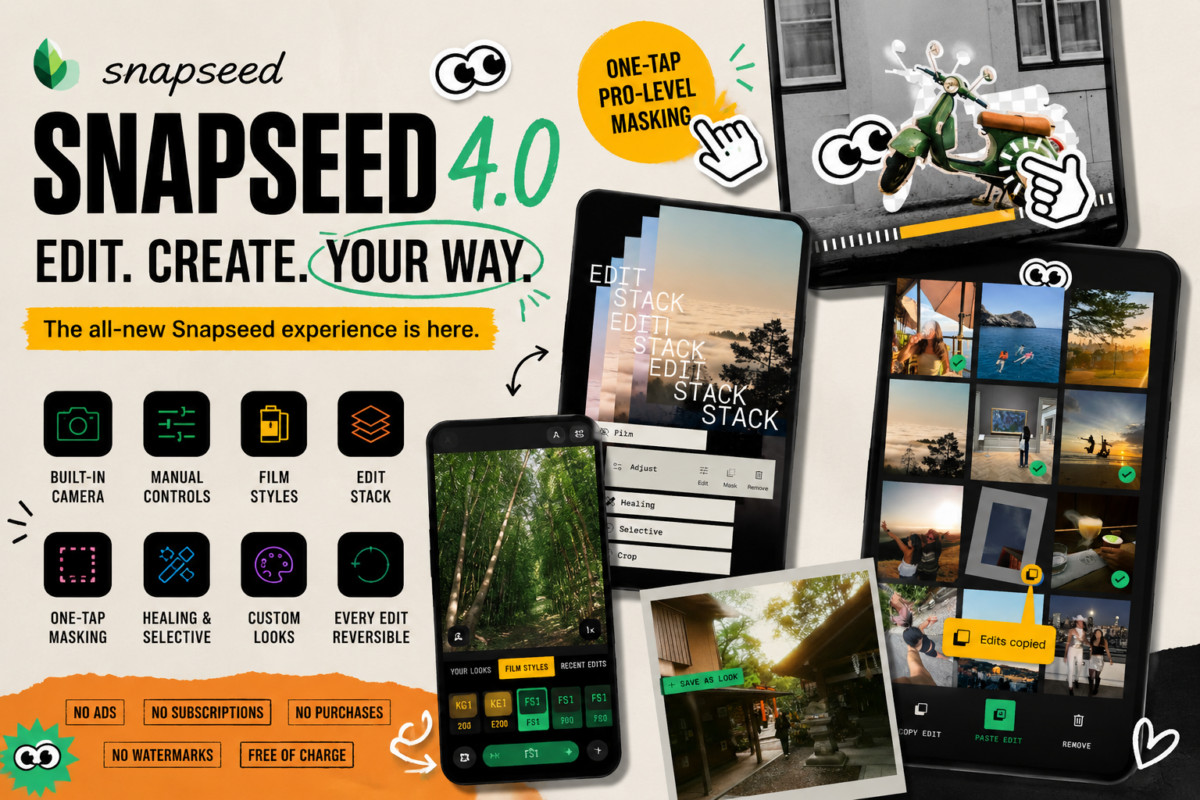
- Product: Google Snapseed 4.0
- Availability: Google Play Store (Android) and Apple App Store (iOS)
- Ad Status: No Ads
- Subscription: No Subscriptions
- In-App Purchases: None
Cinematic Effects: Bloom & Halation
Snapseed 4.0 adds two tools inspired by vintage cinema:
- Bloom Tool: This effect mimics vintage haze filters by adding a soft glow to light sources. Users can control the intensity via Strength, the spread of the glow via Size, and target specific tones using the Range slider.
- Halation Tool: Designed to recreate the red-orange fringe effect found in classic film stocks. This simulates light reflection off the film base. It includes a Threshold setting to select light sources and a Strength slider for color intensity.
“Adjust” Module & Tonal Controls
The updated “Adjust” editing module features a real-time before/after preview for color grading. It includes granular controls for:
- Brightness & Contrast: Standard exposure adjustments.
- Saturation & Ambiance: Color intensity and light balance management.
- Highlights & Shadows: Targeted recovery or darkening of specific tonal ranges.
- Warmth: Color temperature shifting.
Film Emulation & Preset System
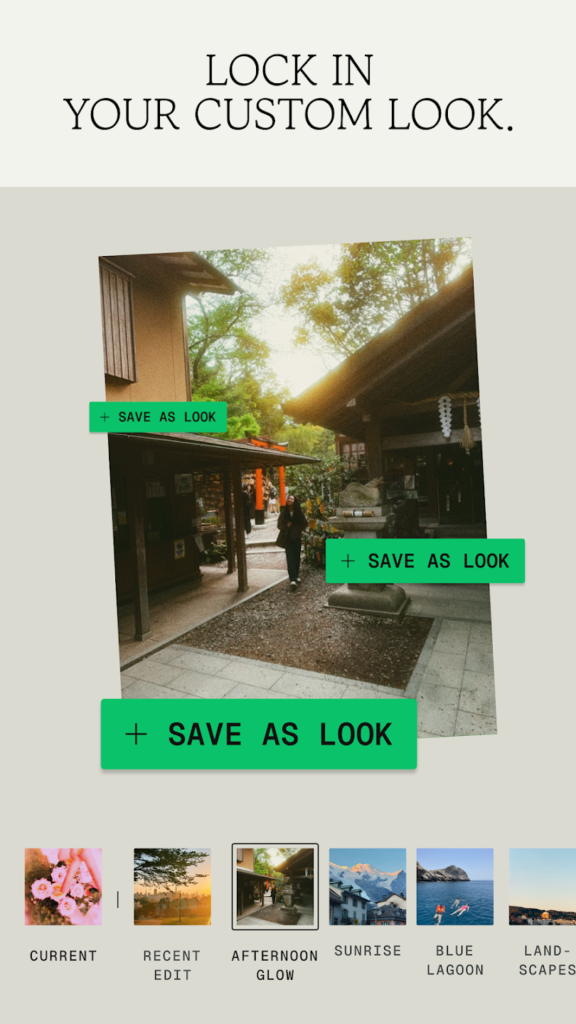
Snapseed Version 4.0 focuses on film-inspired aesthetics with a new preset browser featuring visual thumbnails. Built-in film stock presets like FS1, KP1, KG1 etc are included. The interface now allows users to save custom adjustment stacks as reusable “Looks”. The updated workspace also supports expanded Favorites, allowing for quicker access to frequently used tools.
Non-Destructive Edit Stacks
The app utilizes a non-destructive “Edit Stack” workflow. Every adjustment is saved in a layered edit history system, ensuring that all changes remain individually reversible. Users can return to any point in the edit history to modify specific parameters without affecting subsequent edits in the stack.
AI Masking & Selection
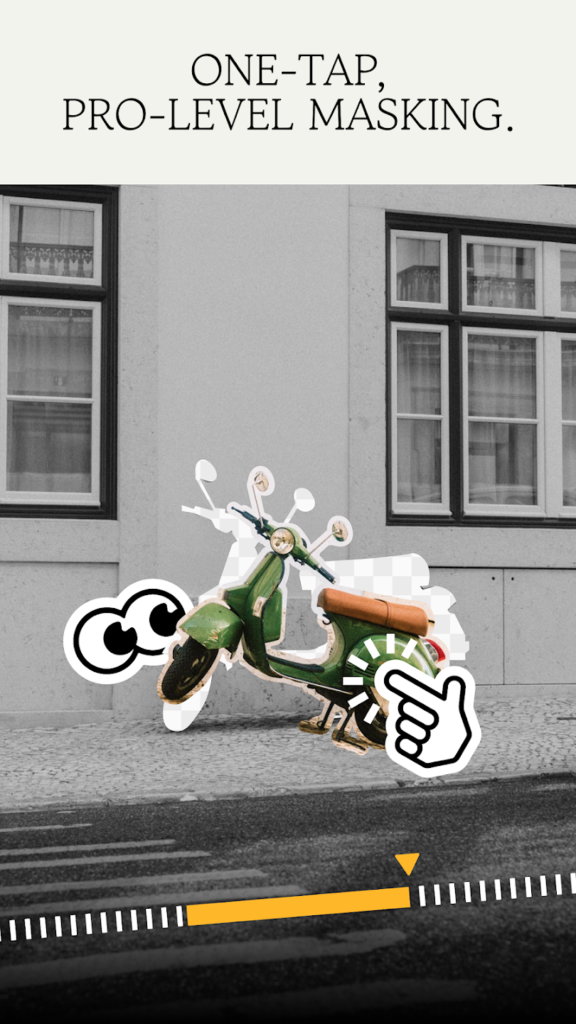
A new One-tap AI masking system provides automated subject selection for localized adjustments. This reduces the need for manual brushing when targeting specific parts of an image. For more precise work, a dedicated masking panel offers granular control over the AI-generated selections.
Workflow & UI Redesign
The UI has been overhauled with a RAW-focused redesign and several utility improvements:
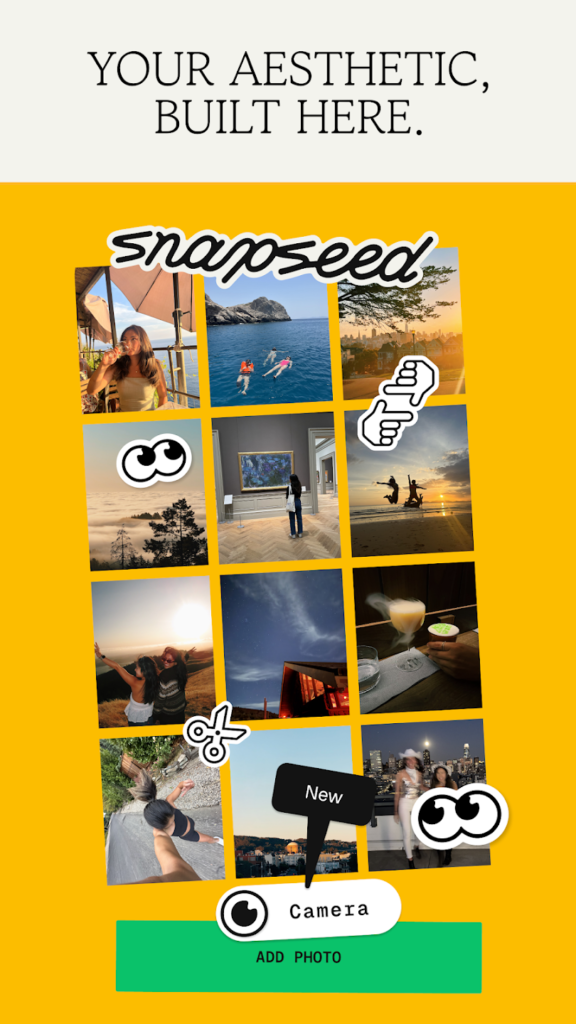
- Copy & Paste Edits: Adjustment stacks can be copied from one image and applied directly to others.
- Batch Editing UI: A dedicated interface for processing multiple photos simultaneously.
- Recent Edits Browser: Quick access to the most recently modified files.
- Home Screen Shortcut: A direct shortcut to the integrated in-app camera.
- Retained Tools: Healing, Selective adjustment, and Crop tools remain available in the updated interface.
Google Snapseed 4.0 Feature List
- Developer: Google
- Platform: Android, iOS
- Pricing: Free of charge (No Ads, No IAP)
- New Tools: Bloom, Halation, Adjust Module
- Advanced Controls: Ambiance, Warmth, Highlights, Shadows
- Edit Workflow: Non-destructive Edit Stacks, Layered history
- AI Features: One-tap AI Masking, Subject selection
- Presets: FS1, KP1, KG1, Custom “Looks”
- UI Features: Expanded Favorites, Visual thumbnail browser, RAW-focused redesign
- Batch Processing: Workflow-focused batch editing, Copy/Paste adjustments
- Integrated Camera: Home screen shortcut, In-app capture
- File Support: RAW support, No watermark exports